The cloud vs on-premise restaurant POS decision is really a decision about where your data lives and who looks after the system. A cloud POS stores menus, sales and reports on the provider’s servers and is usually paid for by subscription. An on-premise, or legacy, POS runs on a server in your building, usually with a larger upfront purchase and more responsibility on your side.
Neither is automatically better. Cloud systems win on remote access and hands-off updates. Local systems can keep running with no internet at all and give you more direct control. The right choice depends on your connection, your budget shape and how much IT you want to own.
This comparison sets the two side by side, then goes through cost, outages and payment security, and ends with how to decide for your own operation. We do not name or rank vendors. Every provider implements these models differently, so treat this as the list of questions to ask.
Key takeaways
- Cloud POS: lower upfront cost, ongoing subscription, remote reporting, updates handled by the provider, but dependent on internet for full function.
- On-premise POS: higher upfront cost, runs on your local network, more control, but you or your dealer handle patches, backups and hardware.
- Offline mode varies widely between cloud systems. Ask exactly what works, and how card payments are handled, when the connection drops.
- PCI DSS applies to anyone who stores, processes or transmits cardholder data, whichever model you choose.
- A PCI-listed point-to-point encryption solution can significantly reduce the PCI requirements that apply to you.
In this guide
Cloud vs on-premise POS, side by side
Start with the structural differences. The details vary by provider, but the pattern holds across the market.
| Factor | Cloud POS | On-premise POS |
|---|---|---|
| Where data lives | Provider’s servers, synced from terminals | A server or back-office PC on site |
| Upfront cost | Usually lower: terminals and tablets | Usually higher: server, terminals, licences, installation |
| Ongoing cost | Monthly subscription per location or terminal | Support contract, upgrades and eventual hardware replacement |
| Updates | Pushed by the provider | Scheduled by you or your dealer |
| Remote access to reports | Built in from any browser | Possible, but needs remote access set up and secured |
| Internet outage | Depends on offline mode | Local ordering continues; card processing still needs a connection |
| Backups | Handled by the provider | Your responsibility |
| Security patching | Mostly the provider, plus your devices and network | Largely you or your dealer |
| Multi-location management | Usually straightforward | Harder without extra software |
| Leaving the provider | Check data export terms before signing | Data is on site, but formats may be proprietary |
Two rows matter more than the rest for most operators: what happens in an outage, and who is responsible for keeping the system secure. Both are covered below.
Cost structure, not just price
Comparing a monthly fee with a one-off quote is apples and oranges. Put both on the same timeline.
Cloud
- Hardware: terminals, tablets, printers, kitchen display screens and card readers.
- Software subscription, often per terminal or per location, sometimes tiered by features.
- Add-ons such as online ordering, loyalty, inventory or advanced reporting.
- Payment processing fees, which may be tied to the provider.
On-premise
- Server and terminals, often with specialised POS hardware.
- Software licences, installation and menu build.
- Annual support and maintenance contract.
- Paid version upgrades and hardware refresh when the server ages out.
- Your time, or a contractor’s, for backups and patching.
Lay each option out over five years, including hardware replacement and the processing rate on your expected card volume. That five-year total, not the headline price, is the number to compare. If you are reviewing your wider tech stack at the same time, our guide to choosing a POS system covers feature checklists.
Compare five-year cost, not the sticker price. The cheapest start is often the most expensive finish.
When the internet goes down
This is the question that decides many restaurant purchases. A dropped connection on a Friday night cannot mean paper tickets and lost orders.
Cloud offline mode
Most cloud systems offer some form of offline mode, but what it covers varies. Ask each provider, in writing:
- Can servers still ring orders and send them to kitchen printers or screens?
- Do terminals talk to each other locally, or does each one work alone?
- Can card payments be taken offline, and if so, what happens if a stored payment is later declined?
- How long can the system run offline, and how does it sync afterwards?
- Which features stop working, such as online ordering, gift cards or loyalty?
Offline card acceptance is where the money risk sits. If transactions are stored and submitted later, any that fail are your loss, so know your provider’s limits and set a policy for staff.
On-premise resilience
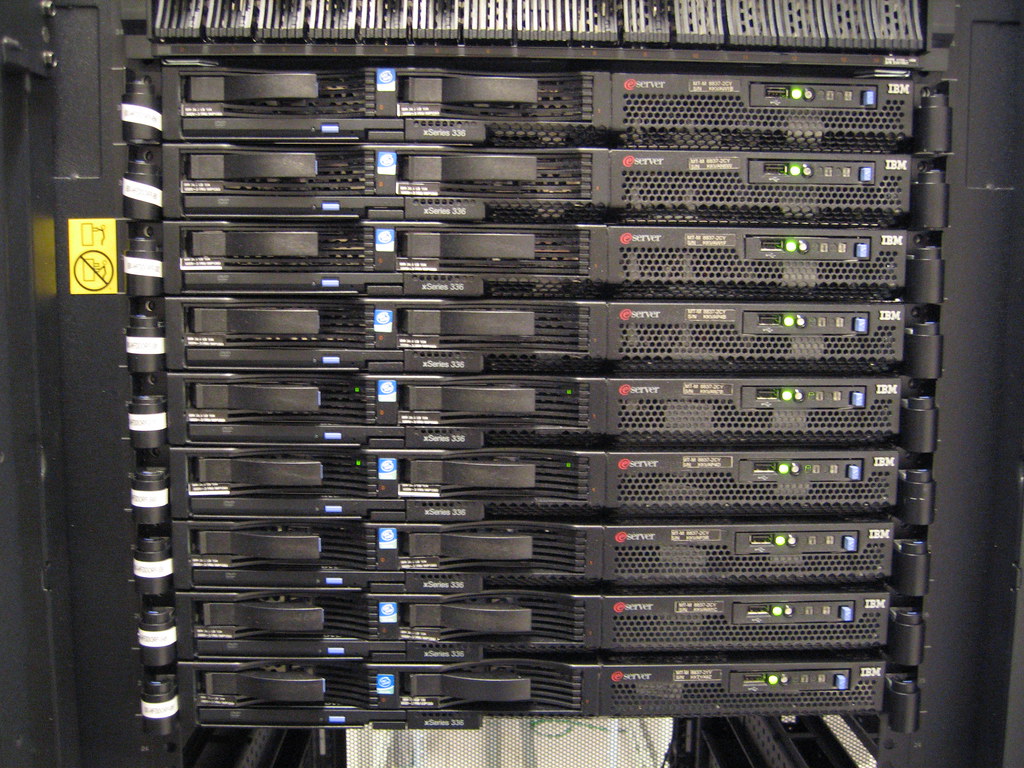
A local server keeps order entry and kitchen routing running on your internal network without the internet. That is a genuine advantage. But card authorisation still needs a connection, and the server itself becomes a single point of failure. If it dies, everything stops until it is repaired, so ask about spare hardware and support response times.
Either way
A backup connection, such as a cellular failover router, reduces outage risk for both models. It is usually cheaper than one lost Saturday. See our notes on restaurant network setup for how to separate guest Wi-Fi from your POS.

Security, PCI and who carries the risk
According to the PCI Security Standards Council, PCI DSS applies to all entities that store, process or transmit cardholder data. Choosing cloud does not take you out of scope. The Council also notes that compliance is managed through the payment brands and your acquirer, so your merchant bank is the one to ask about what you must validate.
What changes between models is how much of the work sits with you. The Council’s Guide to Safe Payments for small merchants rates payment setups where a cash register and other devices share an internet connection as higher risk than a simple standalone terminal, and gives advice that applies to any POS:
- Change vendor default passwords. The guide lists common defaults such as “password”, “admin” and “1234”.
- Install patches from your vendor or service provider as soon as possible.
- Ask your vendor how to disable remote access when it is not needed, and enable it only when they specifically request it.
- Consider a PCI-listed point-to-point encryption (P2PE) solution, where card data is entered directly into an approved terminal with encryption enabled.
- Use tokenisation, which replaces card data with a token that has no value to a hacker.
The Council says a PCI-listed P2PE solution can significantly reduce the number of PCI DSS requirements that apply to you. That can matter more to your security posture than the cloud-or-local choice itself.
Ransomware and backups
On-premise systems put backups squarely on you. The FTC’s ransomware guidance for small businesses advises installing the latest patches and updates, backing up data regularly to a drive or server not connected to your network, and having a plan for what you will do if ransomware strikes. If you run a local POS, ask your dealer to show you where the backups go and to test a restore.
Which model fits your operation
Use your own constraints, not a sales demo, to decide.
Cloud tends to fit when
- Your internet is reliable, or you will add a failover connection.
- You want to check sales and labour from home or across several sites.
- You would rather pay monthly than make a large capital purchase.
- Nobody on your team wants to own servers, patches and backups.
On-premise tends to fit when
- Your connection is patchy and local order entry must never stop.
- You already have a trusted local dealer and existing hardware with life left in it.
- You need deep customisation that the cloud options you have seen cannot offer.
- You have someone, in-house or contracted, who will genuinely maintain it.
For more on the operational side of running the front of house, see our operations guides.
POS questions operators ask
Is a cloud POS less secure than a local one?
Not inherently. Security depends on how each system is set up and maintained. Cloud providers handle much of the patching, while local systems depend on you or your dealer. Either way, PCI DSS still applies, and P2PE and tokenisation reduce your exposure.
Can a cloud POS work without internet?
Many can, in a limited offline mode. What still works, and how card payments are handled, varies by provider, so get the answers in writing before you sign.
Who do I ask about my PCI compliance requirements?
The PCI Security Standards Council directs merchants to their acquirer, meaning the merchant bank, or to the payment brand. Your POS provider can explain which parts of the system their product covers.
Can I move my data if I switch systems?
Ask before you buy. Confirm what can be exported, including menus, sales history and customer records, and in what format.
Your next step before the next demo
Write down three things before you talk to any provider: how many internet outages you had last year, your expected monthly card volume, and who will own maintenance. Then send every shortlisted provider the offline-mode and security questions above, and build a five-year cost comparison from their written answers.
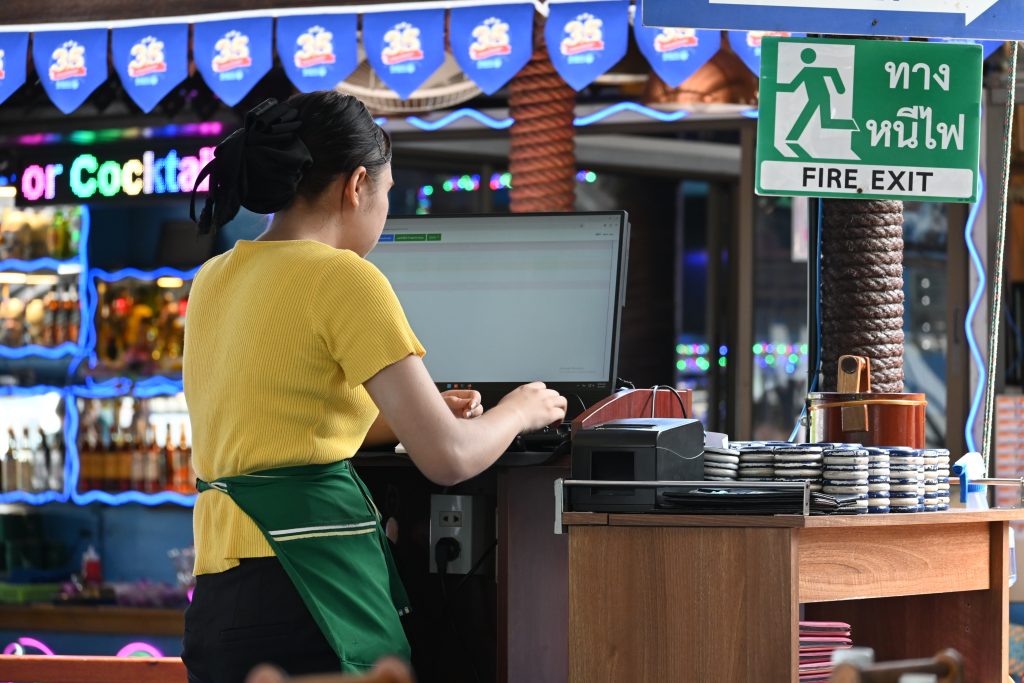
Featured photo: DFC 1472 A restaurant server in a yellow shirt and green apron works at a point-of-sale terminal near a stack of plates and a visible Fire Exit sign by PattayaPatrol, BY-SA 4.0.