A handheld POS for restaurants lets servers take orders and payments at the table on a small wireless device instead of walking back to a fixed terminal. Done well, orders reach the kitchen sooner, cards never leave the guest’s sight and servers spend more time on the floor. Done badly, it means dead spots in the dining room, flat batteries at 8pm and devices that do not talk to the kitchen display.
This buyer’s guide covers the criteria that decide which it will be: Wi-Fi coverage, battery life, durability, payment security, kitchen display integration, training and the full cost of ownership. It does not rank brands. Use it to build your own shortlist and to ask vendors the right questions.
Key takeaways
- Handhelds support order-at-table, pay-at-table or both. Decide which you need before comparing devices.
- Survey Wi-Fi in every seat, including the patio, before you buy anything.
- Plan for a full shift on one charge plus spares, with a charging station in a secure spot.
- Keep payment devices on a network separate from guest Wi-Fi, and ask whether the solution is PCI-listed.
- Compare total cost of ownership, not the device price: software, processing, cases, spares, support and training.
In this guide
- What a handheld changes on the floor
- Wi-Fi coverage comes first
- Battery life and charging
- Durability and ergonomics
- Payment security: PCI, EMV and tap
- Kitchen display and system integration
- Training, total cost and budget tiers
- FAQ
- Run a one-section trial
What a handheld changes on the floor
Order at the table
The server enters the order on the handheld while standing with the guests, and it is sent straight to the kitchen printer or display. That removes the walk to a terminal, and it removes the step where handwritten notes get retyped, which is where many modifier errors creep in. It also means the first course can be firing while the server is still taking the drinks order at the next table.
Pay at the table
The guest taps, inserts or swipes their card on a device brought to the table. The card stays with the guest, and splitting a bill is handled on the spot. Many handhelds combine both jobs; some restaurants use handhelds only for payment and keep fixed terminals for ordering.
Who benefits most
- Large dining rooms and patios where the walk to a terminal is long.
- Busy bars where bartenders take orders from a crowd.
- Venues with lines, events or outdoor seating that can use line-busting.
- Full-service restaurants with frequent split bills.
Wi-Fi coverage comes first
A handheld is only as good as the wireless network under it. Before you sign anything, walk every section with a phone or laptop running a signal meter, and test at peak service, when the room is full of guests’ phones competing for the same airwaves.
- Check coverage in the far corners, the patio, private rooms, the bar and the basement stairs.
- Ask vendors which Wi-Fi standards and bands the device supports, and whether it can fall back to cellular data.
- Ask what happens when the connection drops mid-order: does the device store orders and card payments offline, and what are the limits and risks?
- Budget for extra access points if the survey shows gaps. It is cheaper than lost orders.
Keep payment devices on their own network. The PCI Security Standards Council’s guide to safe payments for small merchants says that if you offer free Wi-Fi to customers, your payment system should use another network, a step it calls network segmentation.
Battery life and charging
A device that dies before the late seating is worse than no device at all. Ask for battery life measured under realistic use, with the screen on, Wi-Fi active and card transactions running, not standby time.
- Aim for a full double shift on one charge, or plan swappable batteries.
- Buy at least one spare device per section, charged and ready.
- Set up a charging station in a locked or supervised spot, with a sign-out sheet.
- Ask how quickly the battery loses capacity over time and what replacements cost.
Durability and ergonomics
Handhelds get dropped, splashed with drinks, wiped with sanitiser and carried in apron pockets for years. Ask each vendor for:
- The device’s drop rating and its ingress protection (IP) rating for dust and water.
- Whether the screen works with wet or greasy fingers.
- Approved cleaning products, so the team does not damage the screen or casing.
- Cases, hand straps and belt clips designed for the device.
- The repair or swap process, and how long a replacement takes to arrive.
Put a device in the hands of your servers before you commit. Weight, grip, screen size and how many taps it takes to enter a common order with modifiers matter more on a Friday night than any spec sheet.
Buy the handheld your servers can use one-handed in a full room, not the one with the longest spec sheet.
Payment security: PCI, EMV and tap
Pay-at-table devices handle card data, so security is part of the buying decision, not an afterthought.
Questions to put to every vendor
- Is the device approved? The PCI small merchant guide advises making sure your payment terminal or device is on the list of PCI Approved PTS Devices.
- Is encryption point-to-point? The same guide suggests asking whether terminal encryption is done through a Point-to-Point Encryption solution on the PCI Council’s list of validated P2PE solutions.
- Does it accept chip and tap? The guide recommends terminals that support EMV chip cards, and points to encryption and tokenization as added protection.
- Do we store card data? The guide says the best way to protect against breaches is not to store card data at all. Ask where card numbers go and who holds them.
- What is our responsibility? Ask which parts of PCI compliance the vendor covers and which fall on you.
Phones and tablets as terminals
Some systems accept cards on ordinary phones or tablets rather than dedicated payment hardware. The PCI Council published its Contactless Payments on COTS (CPoC) standard in December 2019 for contactless acceptance on commercial off-the-shelf devices with built-in NFC readers. In November 2022 it published the Mobile Payments on COTS (MPoC) standard, which builds on earlier standards and covers both PIN entry and contactless card data on these devices. If a vendor offers this option, ask which standard their solution is validated against.

Kitchen display and system integration
A handheld that sends orders to a printer in the wrong station, or that the kitchen display does not recognise, undoes its own benefit. Confirm how the device works with the rest of your system:
- Orders route to the right kitchen display or printer by station, with course timing and modifiers intact.
- Menu changes made in the back office appear on every handheld automatically.
- Table maps, checks and split payments stay in sync between handhelds and fixed terminals.
- Tips, payments and server sales flow into the same reports and payroll exports.
- Reservations, loyalty and online ordering connect if you use them.
Ask for a live demo using your own menu, including your most complicated modifiers, rather than the vendor’s sample restaurant. For more on the kitchen side, see choosing a kitchen display system.
Training, total cost and budget tiers
Training
Plan training by role. Servers need order entry, modifiers, splitting and payments; managers need voids, comps, refunds and end-of-day reports. Run a few practice shifts before go-live and name one super-user per shift who can solve problems without calling the vendor.
Total cost factors
- Devices, spares, cases and charging stations.
- Software subscription per device or per location.
- Payment processing rates and any hardware lease tied to them.
- Network upgrades: access points, cabling and setup.
- Installation, menu build and training time.
- Support hours that cover your service times, plus repair and replacement terms.
- Contract length and any early termination costs.
Budget tiers
| Tier | What it looks like | Suits |
|---|---|---|
| Entry | A few handhelds for payment only, alongside existing fixed terminals | Small dining rooms and cafes wanting pay-at-table |
| Mid-range | Handhelds for ordering and payment across the floor, integrated with a kitchen display | Busy full-service restaurants and bars |
| Full rollout | A handheld per server plus spares, network upgrades, P2PE and multi-site reporting | High-volume venues, patios, events and groups |
Browse our restaurant tech and POS guides for related buying decisions.
FAQ
How many handhelds does a restaurant need?
Start with one per server on your busiest shift, plus spares for charging and breakdowns. Payment-only setups can often share devices between sections.
Can handhelds work without Wi-Fi?
Some fall back to cellular data or store transactions offline for a time. Ask the vendor exactly how offline mode works and what risks it carries.
Do handhelds speed up table turns?
They remove the walk to a terminal and the wait for the card, which can shorten each visit. Measure your own ticket and payment times before and after.
Are phone-based payment apps secure?
They can be, if the solution is validated against the PCI Council’s standards for payments on off-the-shelf devices. Ask the vendor which one.
Run a one-section trial
Before signing a long contract, run a trial in one section for two weeks. Survey Wi-Fi first, record ticket times and payment times before and after, and ask servers and guests what they think. If the numbers and the feedback hold up, roll out section by section. For the payments side of the decision, understanding card processing fees is a useful next read.
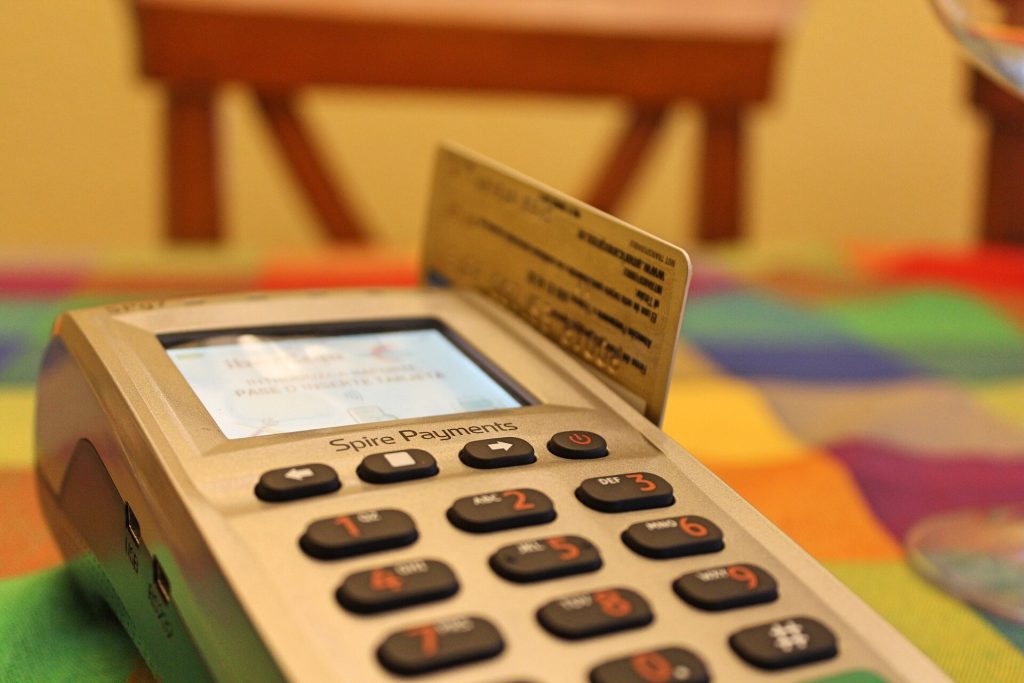
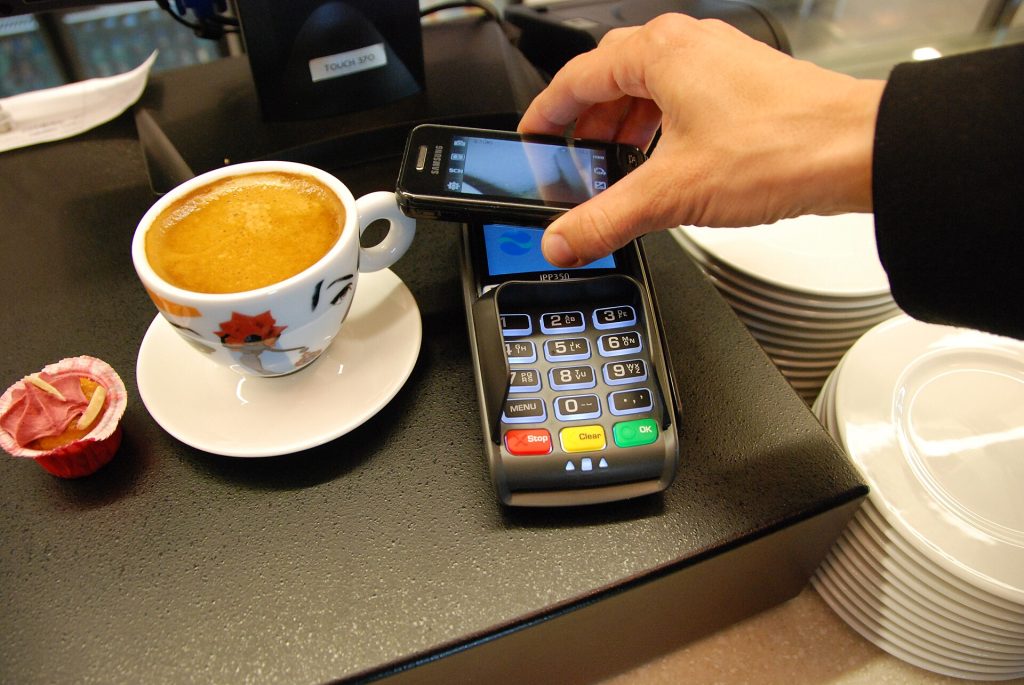
Featured photo: Card Payment (176811287) by Mañico, CC0.