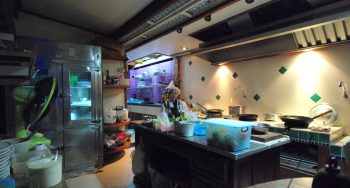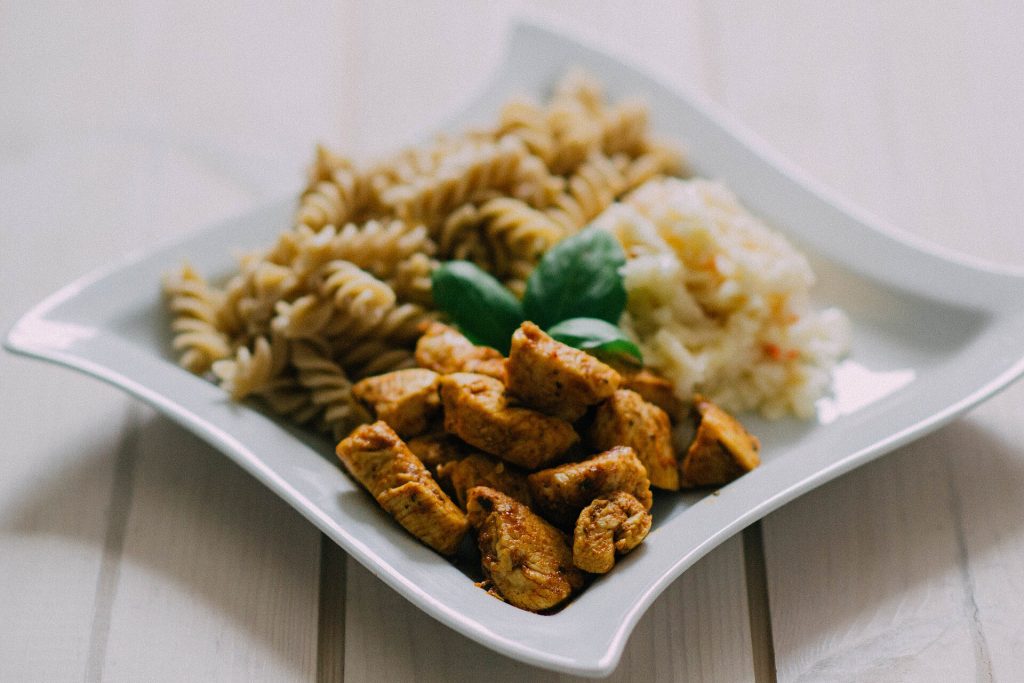
Restaurant menu photography is the set of images guests see before they decide to visit or order: on your Google Business Profile, your website menu, delivery apps and social accounts. Good menu photos are sharp, evenly lit, honest about the portion and consistent in style, so a guest can tell at a glance what they will get.
You do not need an expensive studio to get there. Many restaurants shoot their everyday menu in-house and bring in a professional for a launch or a full refresh. This explainer covers where photos matter most, when to do it yourself, how to light and style dishes, the honesty rules to keep in mind, who owns the images, and the file formats each platform expects.
Key takeaways
- Google says food and drink photos help customers plan where to eat, and asks for at least three of them on your profile.
- Google’s photo guidance asks for images that are in focus, well lit and free of significant alterations.
- Shoot in soft side light, pick one or two angles that suit each dish, and keep the background simple.
- Style with the real dish and a real portion. Advertising must be truthful and not misleading.
- The photographer usually owns the copyright unless a written agreement says otherwise, so get the licence terms in writing.
What menu photos actually do
Menu photos answer the questions a written menu cannot: how big is the portion, what does it look like on the plate, and does this place feel like the right fit for tonight. Guests who are comparing several restaurants on their phone often decide from the pictures.
Google’s own tips for business-specific photos put it simply: food and drink photos add colour and detail to your menu and help customers plan where to eat. The same page recommends showcasing your most popular items with evenly lit photos, and adding at least three photos of the food or drinks you serve. Customers can add their own photos to your profile too, so if you do not show your dishes, someone else’s dim phone shot may do it for you.
Where the photos get used
- Your Google Business Profile, including menu and food photos.
- The menu page on your website, where photos should sit beside the text, not replace it.
- Delivery and ordering apps, where each item may have its own image.
- Social posts, printed table cards and email campaigns.
DIY or hire a professional
The right choice depends on what you need the photos for and how often the menu changes. Many owners mix the two: a professional shoot for the core menu and exterior, and in-house photos for specials and seasonal dishes.
| Do it yourself | Hire a professional | |
|---|---|---|
| Best for | Specials, weekly changes, social posts | Menu launches, full refreshes, website and signage |
| Equipment | A recent phone, a tripod, a window and a reflector card | Professional camera, lenses, lighting and editing |
| Consistency | Good if one person follows a written style guide | High across a full set of dishes |
| Time cost | Staff hours during quiet periods | A planned shoot day, often with kitchen support |
| Rights | You own what your team shoots, subject to employment terms | Set out in the contract or licence |
When you hire, ask to see restaurant work specifically, agree a shot list in advance and confirm the licence terms before the shoot day, not after the invoice arrives.
Light, angles and backgrounds
Lighting
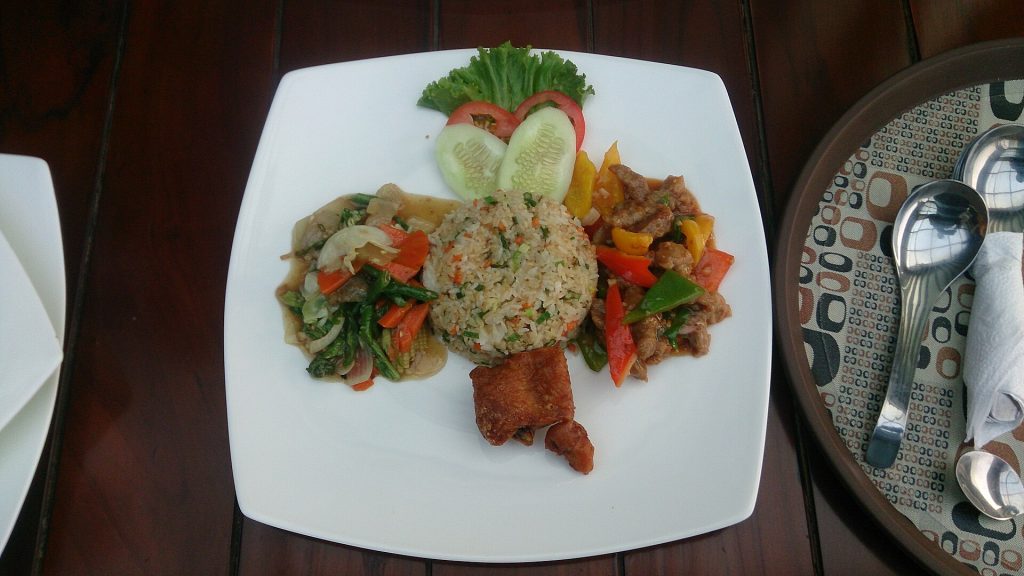
Soft natural light from the side is the easiest way to make food look like itself. Set a table near a large window, out of direct sun, and shoot with the light coming from the side or slightly behind the plate. A white card or foam board on the opposite side fills in dark shadows.
- Turn off overhead lights so you are not mixing warm and cool light.
- Avoid the phone’s built-in flash. It flattens food and creates glare on sauces.
- Shoot at the same time of day each session so the look stays consistent.
Angles
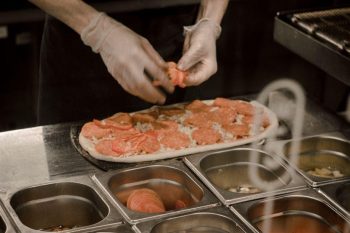
- Overhead: best for pizza, bowls, flatbreads, sharing boards and table spreads.
- Three-quarter view, roughly the diner’s eye line: best for most plated mains and desserts.
- Side-on: best for burgers, sandwiches, layered cakes and drinks in tall glasses.
Backgrounds and props
Use your own tables, plates and linens so the photos match the room guests will walk into. Keep props to one or two items, such as a napkin and cutlery, and choose one background for the whole menu set so items look consistent side by side in an app.
The best menu photo is the one that matches the plate the guest actually receives.
Styling food honestly
Food styling can make a dish look its best. It should never make it look like something else. The FTC’s truth-in-advertising guidance says an ad must be truthful and not misleading, and your menu photos are advertising. Google’s photo guidelines for Business Profiles say much the same in their own terms: no significant alterations or excessive use of filters, because the image should represent reality.
Honest styling in practice
- Photograph the dish your kitchen actually sends out, made by your cooks, to your recipe.
- Show the standard portion. If the photo shows extra toppings or sides, the order should come with them.
- Wipe drips and arrange garnish, but do not swap in ingredients the guest will not get.
- Limit editing to exposure, colour balance, cropping and small blemishes.
- Reshoot when a recipe, portion or plate changes.
Honesty is also good business. A photo that oversells the plate turns into a disappointed guest and a poor review.
Who owns the photos
Image rights catch many owners out. The U.S. Copyright Office’s guidance for photographers explains that the author and initial copyright owner of a photograph is generally the person who takes it. The main exception is a work made for hire: work created by an employee as part of their job, or commissioned work covered by an express agreement for a purpose the statute identifies. In that case the employer or commissioning party is considered the author.
In practice, paying a freelance photographer does not by itself make you the owner. Your contract should spell out what you can do with the images:
- Where you can use them: website, Google, delivery apps, social, print and paid ads.
- How long the licence lasts, and whether it is exclusive.
- Whether you may crop, edit or resize them.
- Whether the photographer may use the images in their own portfolio.
- Credit requirements, if any.
Never lift photos from other websites or stock libraries without a licence that covers commercial use, and ask permission before reposting a guest’s photo.
File formats for Google and delivery apps
Each platform has its own requirements, and they change. Google publishes its Business Profile photo requirements: JPG or PNG files between 10 KB and 5 MB, with a recommended resolution of 720 pixels tall by 720 pixels wide and a minimum of 250 by 250. For delivery and ordering apps, check each platform’s current merchant guidelines before a shoot, since many crop images to fixed shapes.
- Shoot at the highest quality your camera allows, and export smaller versions for each platform.
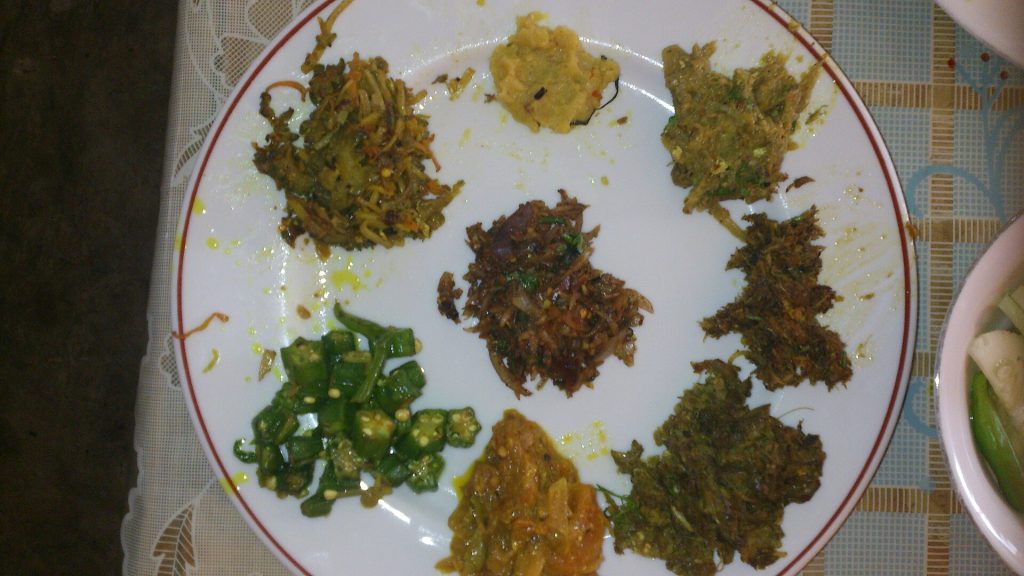
- Leave space around the dish so it survives square, landscape and circular crops.
- Name files clearly by dish, for example grilled-salmon-main.jpg, and keep a master folder.
- Compress images for your website so menu pages still load quickly on mobile.
For more on getting found online, see optimising your Google Business Profile and browse our restaurant marketing guides.
FAQ
How many menu photos do I need?
Start with your best sellers, signature dishes and a few drinks. Google asks for at least three food or drink photos on your profile; a full set for delivery apps usually means one per item.
Can I use a phone for menu photography?
Yes. A recent phone on a tripod, with good window light, can produce photos that work well online. Consistency matters more than the camera.
How often should I update menu photos?
Whenever a dish, portion or plate changes, and whenever you launch a new menu. Out-of-date photos lead to complaints.
Can I use AI-generated images of my dishes?
Photos of the real dish are the safest choice. Any image that does not show what the guest will actually receive risks misleading them, and Google asks that profile images represent reality.
Plan your first shoot
List your ten best-selling dishes and three drinks, and write a one-page style guide: plates, background, angle and time of day. Shoot two dishes as a test on a quiet afternoon, compare them on a phone screen beside your competitors’ photos, and adjust before shooting the rest. If you bring in a professional, send the shot list and licence terms before the booking is confirmed. When the menu itself needs work, designing a menu that sells is a good next read.
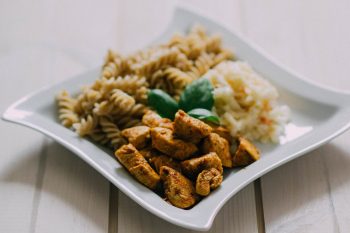
Featured photo: Pasta dish with rice on white ceramic plate by Tookapic, CC0.