To set up restaurant online ordering, decide whether you want your own direct ordering, marketplace apps or both, build an online menu with clear modifiers, set realistic prep times and order limits, choose packaging that holds food safely, connect secure payments, test every path, and then add your ordering link to your Google Business Profile.
Each step is simple. Problems come from skipping one. A menu without modifiers generates phone calls. A system without throttling buries the line on a Friday. A missing Google link sends hungry customers to whichever app happens to list you.
This guide takes the steps in order, with no vendor rankings. The right platform depends on your POS, your volume and your market.
Key takeaways
- Direct ordering keeps the customer relationship; marketplaces bring discovery at a higher per-order cost. Many restaurants use both.
- Build the online menu from your POS, with required and optional modifiers that match how the kitchen actually cooks.
- Throttle orders by time slot so online demand cannot overwhelm the dine-in line.
- Takeout needs packaging that keeps hot food at 140°F or above and cold food at 40°F or below, per USDA guidance.
- Google lets you add your own ordering link, mark a preferred option and hide third-party links you don’t want.
Step 1: Decide between direct ordering and marketplaces
There are two basic routes, and most restaurants end up using a mix.
| Direct ordering (your website) | Marketplace apps | |
|---|---|---|
| Who owns the customer data | You do | Largely the platform |
| Discovery | Only people who already know you | New customers browsing the app |
| Cost | Software fees plus payment processing | Per-order commission, often higher |
| Delivery | Pickup, your own drivers or a delivery service | Usually handled by the platform’s couriers |
| Menu and pricing control | Full | Within the platform’s rules |
A practical approach is to make direct ordering your default for regulars and use marketplaces for reach. Before you sign any marketplace agreement, get the commission rates, contract length and payout schedule in writing, and model them against your average takeout check.
- List what you want online ordering to do: pickup only, delivery, catering or all three.
- Check which ordering tools integrate directly with your current POS, so orders print to the kitchen without re-keying.
- Get written quotes and compare the 12-month cost at your expected order volume.
Step 2: Build an online menu with clear modifiers
Your online menu is not your dine-in menu pasted onto a web page. It is a set of instructions the kitchen will receive without a server to clarify them.
Start with what travels
Cut dishes that don’t hold up for 20 minutes in a box. Crispy fried items, delicate plated desserts and dishes with a sauce poured at the table are the usual problems. A shorter online menu that travels well beats the full menu delivered soggy.
Build modifiers that match the line
- Required modifiers for choices the kitchen must know: doneness, size, side, spice level.
- Optional modifiers for add-ons, with prices attached.
- Limits on how many options a guest can choose, so a burger doesn’t arrive with nine toppings nobody priced.
- Clear names. Use the same wording the ticket will print, so the cook reads exactly what the guest picked.
Add clear photos and short descriptions, and show allergen information the same way you do in the dining room.
The online menu is the server now. If it can’t answer the question, the kitchen will guess.
Step 3: Set prep times and order throttling
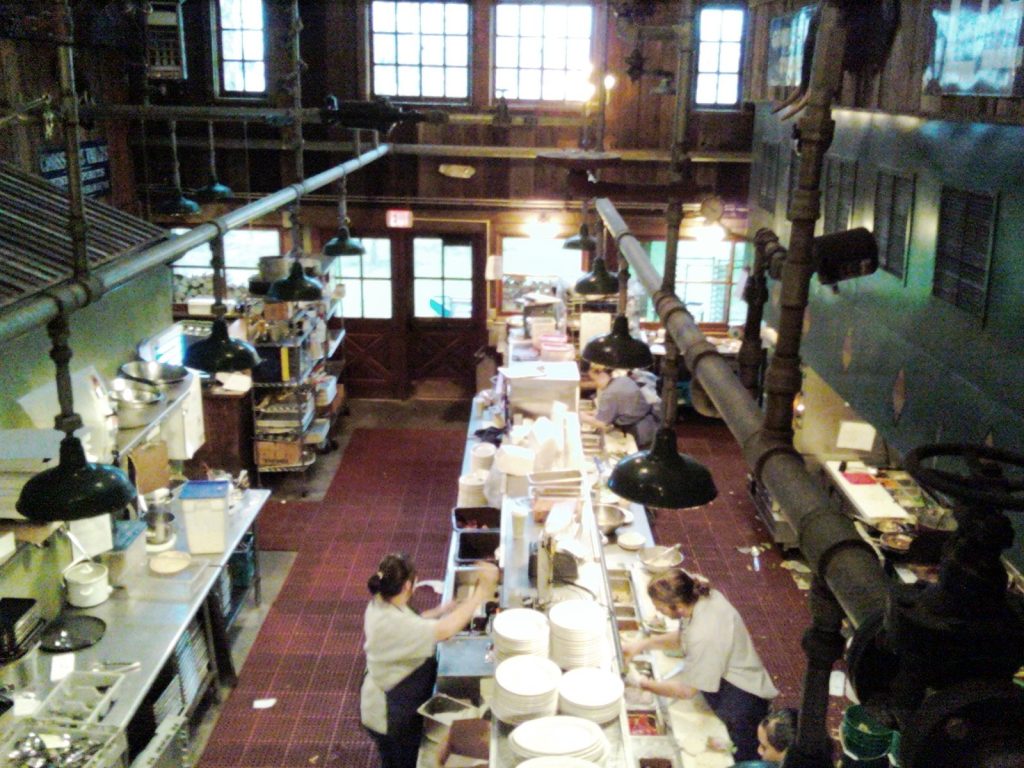
Throttling is the setting that decides how many online orders you accept in a given window. Without it, a busy night can stack 30 orders into the same 15 minutes.
- Set a base prep time for a typical order at a quiet time, then time a few test orders to check it.
- Add a busy-time buffer for your peak dayparts.
- Cap orders or items per time slot. Many systems let you limit by order count or by item volume.
- Give the expo station a pause button and authority to push quote times out when dine-in is slammed.
- Review weekly. Compare quoted times with actual ready times and adjust.
Throttling protects your dine-in guests as much as your takeout ones. For more on managing the pass, see our notes on kitchen workflow.
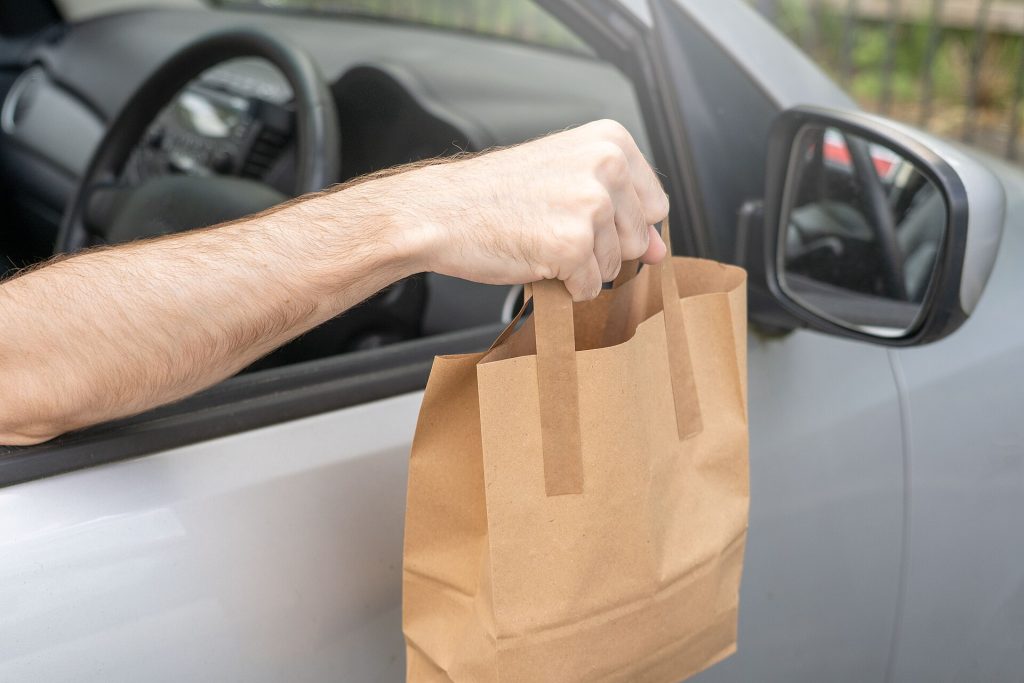
Step 4: Choose packaging that survives the trip
Packaging is where food safety meets reputation. The USDA Food Safety and Inspection Service advises keeping hot foods at 140°F or above and cold foods at 40°F or below, and notes that bacteria grow rapidly between those temperatures. Customers are also told to discard perishable food left out for more than two hours, or one hour above 90°F.
- Vented containers for fried and crisp items so steam doesn’t turn them soft.
- Separate containers for hot and cold components, and sauces on the side.
- Insulated bags for delivery orders.
- Tamper-evident seals or stickers on bags.
- A printed label with the guest’s name, order number and any allergen notes.
Test packaging by holding a boxed order for the length of your longest expected delivery, then eating it. That is what your guest will experience.
Step 5: Set up payments
Online orders mean taking card payments without the card present, which raises the stakes for security. The simplest route for most restaurants is to let the ordering platform or payment processor handle the card data, so it never touches your own systems.
- Confirm the ordering tool uses a payment processor that settles into your normal merchant account.
- Ask how tips are collected and paid out, and how refunds are issued.
- Review the PCI Security Standards Council Guide to Safe Payments, written for small merchants, which covers the risks to payment data and basic security steps.
- Decide your policy for failed or disputed orders before launch.
Step 6: Test, then launch on Google
Test every path
- Place test orders from a phone and a laptop, for pickup and delivery.
- Order the most complicated item with every modifier. Check how the ticket prints.
- Test a refund and a cancellation.
- Run a soft launch with staff and a few regulars for a few days before announcing it.
Add your link to Google Business Profile
Many diners will find your ordering through Google. According to Google Business Profile Help, third-party providers that state they have an authorised relationship with your business are listed on your profile automatically, and you can add your own custom ordering links. You can also mark a preferred option separately for pickup and delivery, and remove providers you don’t work with. If you turn off “Accept orders on your profile”, third-party options and links you added are hidden.
Set your direct ordering link as preferred if you want Google traffic to go there first. More guides on this are in our tech and POS section.
FAQ
Should a restaurant use its own online ordering or delivery apps?
Often both. Direct ordering keeps customer data and margin; marketplaces add discovery. Compare the full cost at your real volume.
How do I stop online orders overwhelming the kitchen?
Use throttling: cap orders or items per time slot, add buffers for peak hours, and let the expo station pause or extend quote times.
How do I add an order button to my Google listing?
In your Business Profile you can add custom ordering links, mark a preferred option for pickup or delivery, and remove third-party providers you don’t work with.
What packaging keeps takeout safe?
Packaging that holds hot food at 140°F or above and cold food at 40°F or below, per USDA guidance, with hot and cold items packed separately.
Your first week live
Pick a launch date two weeks out. Spend the first week building and testing the menu, the second on packaging and soft-launch orders, then switch on your Google link and announce it to your email list. After a week live, review quote times, refunds and the most-modified items, and fix the top problem first. When you are ready to promote it, our guide to building a restaurant website that converts is a good next step.
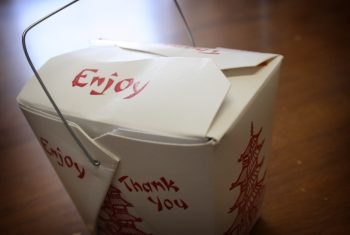
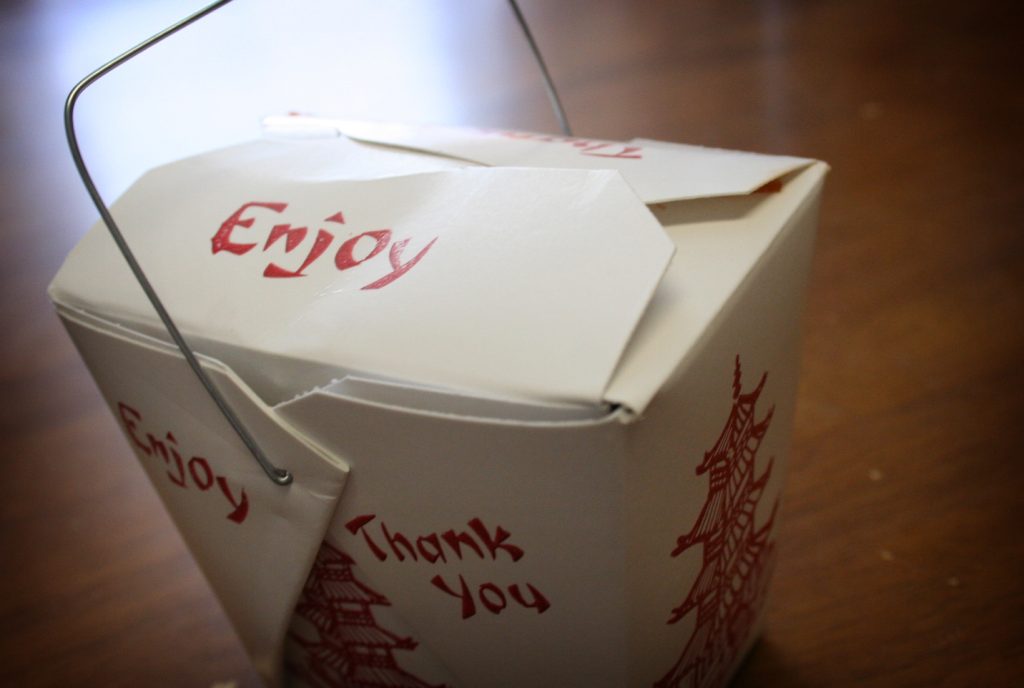
Featured photo: Oyster pail takeout box (2558467231) by Ginny from USA, BY-SA 2.0.