Switching restaurant POS systems takes about two months done properly: roughly ten days to sort out the contract and export your data, two weeks to install hardware and rebuild the menu, three weeks of training, two weeks of side-by-side testing, and a carefully staffed go-live night. Rush any of those and you pay for it at the pass.
To make this concrete, follow one hypothetical restaurant through the whole move. The steps apply whichever system you are leaving and whichever one you have chosen. This is a process guide, not a vendor ranking.
Key takeaways
- Read your current contract’s term, notice period and early-termination clauses before you sign anything new.
- Export menu items, modifiers, customer lists, sales history and gift card balances while you still have admin access.
- Federal rules generally stop gift card funds expiring within five years of issue, so plan how old cards will be honoured.
- Card numbers do not move between systems. Let the new processor handle card data and follow PCI guidance.
- Run the new system alongside the old one before go-live, and staff go-live night heavier than normal.
The scenario and the 60-day plan
Say you run an 80-seat neighbourhood restaurant with a bar, about 20 tables, two service stations, a kitchen printer and a small gift card program. Your POS contract renews soon, the terminals are slow and the reporting does not tell you what you need. You have chosen a replacement. Now you need to move without losing data or a service.
| Days | Phase | Main deliverable |
|---|---|---|
| 1 to 10 | Contract and data export | Exit date confirmed; all data exported and checked |
| 11 to 25 | Hardware and menu rebuild | Terminals, printers and network installed; menu built and tested |
| 26 to 45 | Staff training | Every role trained on its own tasks, with a sign-off |
| 46 to 59 | Parallel testing | Test orders and payments reconcile on both systems |
| 60 | Go-live | First full service on the new system |
Days 1 to 10: contract, exit terms and data export
Read the exit terms first
Pull your current agreement and highlight four things: the end date of the term, the notice period for cancelling, any early-termination fee and whether leased hardware must be returned. Some processing agreements renew automatically if you miss the notice window. Put the notice deadline in the calendar and send notice in writing.
Export everything while you still have access
Once the account closes, you may lose admin access to your history. Export these in the first week and open each file to check it is complete:
- Menu: items, prices, modifiers, modifier groups, categories and tax settings.
- Customers: names, emails and phone numbers for guests who opted in to marketing.
- Sales history: at least a full year of item-level sales for forecasting and tax records.
- Employees: roles and permission levels, so you can rebuild access properly.
- Gift cards: every active card number and remaining balance.
Gift cards need special care. The CFPB summary of Regulation E says the funds on a store gift card generally cannot expire until at least five years after the card was issued or funds were last loaded. That means your old cards remain a liability after the switch. Your options are to import balances into the new system, or to keep a way to look up and redeem old cards, then swap them for new ones at the table. State law may add its own rules, so check before you decide.
Leave card data behind
Do not try to export stored card numbers. Your new payment setup should keep card data out of your own systems. The PCI Security Standards Council publishes a small-merchant guide to safe payments and a list of questions to ask vendors. Use it when you speak to the new provider.
Days 11 to 25: hardware and the menu rebuild
Hardware and network
Walk the room with the installer. Map where each terminal, handheld charger, kitchen printer or display and receipt printer goes. Check the Wi-Fi signal at the far tables and on the patio, and put the POS on its own network, separate from guest Wi-Fi.
Rebuilding the menu
Do not just import the old menu blindly. The switch is a chance to clean it up. In our 80-seat example, the manager and chef spend two afternoons on it:
- Remove items that have not sold in months and duplicate buttons for the same dish.
- Rebuild modifiers as forced choices where the kitchen needs an answer, such as temperature or side.
- Set kitchen routing so drinks go to the bar and food to the right station.
- Check tax rates and service charges on a test ticket.
- Print a test ticket for every item and have the kitchen confirm it reads correctly.
If you are also changing prices, do it here, once. Our guide to pricing your menu covers how.
Days 26 to 45: staff training
Train by role, not with one big session. Servers, bartenders, hosts and managers use different screens. Short sessions before shifts work better than one long afternoon.
- Servers: opening a check, seat numbers, modifiers, splitting and moving items, tips and closing out.
- Bar: tabs, pre-authorisation, transfers to tables and happy hour pricing.
- Hosts: table status and any waitlist or reservation features.
- Managers: voids, comps, refunds, cash-outs, end-of-day reports and user permissions.
- Kitchen: reading new tickets or screens, and how to flag an 86’d item.
Name one or two floor champions who pick it up fastest. They become the first line of help on go-live night. Have every staff member complete a checklist of tasks on a training terminal, and sign it off.
Every minute you spend on training in week five is a minute you do not lose at table twelve on opening night.
Days 46 to 60: parallel testing and go-live
Parallel testing
For the last two weeks, run the new system in training mode alongside the live one. Enter a sample of real tickets on both and compare the totals, tax and kitchen output.
- Ring in a full lunch service’s worth of tickets and compare totals line by line.
- Run test card payments, refunds and tips, then check they settle in the new processor’s reports.
- Test gift card redemption, both new cards and any migrated balances.
- Pull an end-of-day report and match it against the old system.
- Unplug the internet and see what still works offline.
Fix every mismatch before go-live. If a problem cannot be solved in time, move the date. A one-week delay costs far less than a chaotic Friday night.
Go-live night
Pick a quieter night, such as a Tuesday, not a weekend. In the 80-seat example, the manager schedules one extra server, keeps a floor champion off-section to troubleshoot, and has the vendor’s support line and a named contact on hand.
- Keep the old terminals available but switched off, with manual tickets ready as a fallback.
- Hold a 15-minute pre-shift walk-through on the new screens.
- Check the first few tickets in the kitchen personally.
- Close out, reconcile and write down every issue for the next day.
After go-live, retire the old hardware properly. The FTC guide to protecting personal information advises using wipe utilities to overwrite drives before disposal, since deleted files can remain on a hard drive. For more tech guides, browse our tech and POS section.
FAQ
How long does switching restaurant POS take?
Plan on about 60 days from signing to go-live for a single full-service location. Smaller counter-service sites may move faster.
Can I bring my customer list with me?
Usually, if you export it before your old account closes. Only carry over marketing contacts who opted in.
What happens to gift cards sold on the old system?
They remain valid. Import the balances or keep a way to redeem them, and follow federal and state gift card rules.
Should I switch during the busy season?
Avoid it if you can. Schedule go-live for a slower period so the team learns on quieter nights.
Start with the contract this week
Find your current POS contract today and write down three dates: when the term ends, when notice is due and when you want to go live. Work back 60 days from go-live and put each phase in the calendar. Then request a full data export and check it the same week. For more on the numbers you will pull from the new system, see the restaurant reports worth reading.
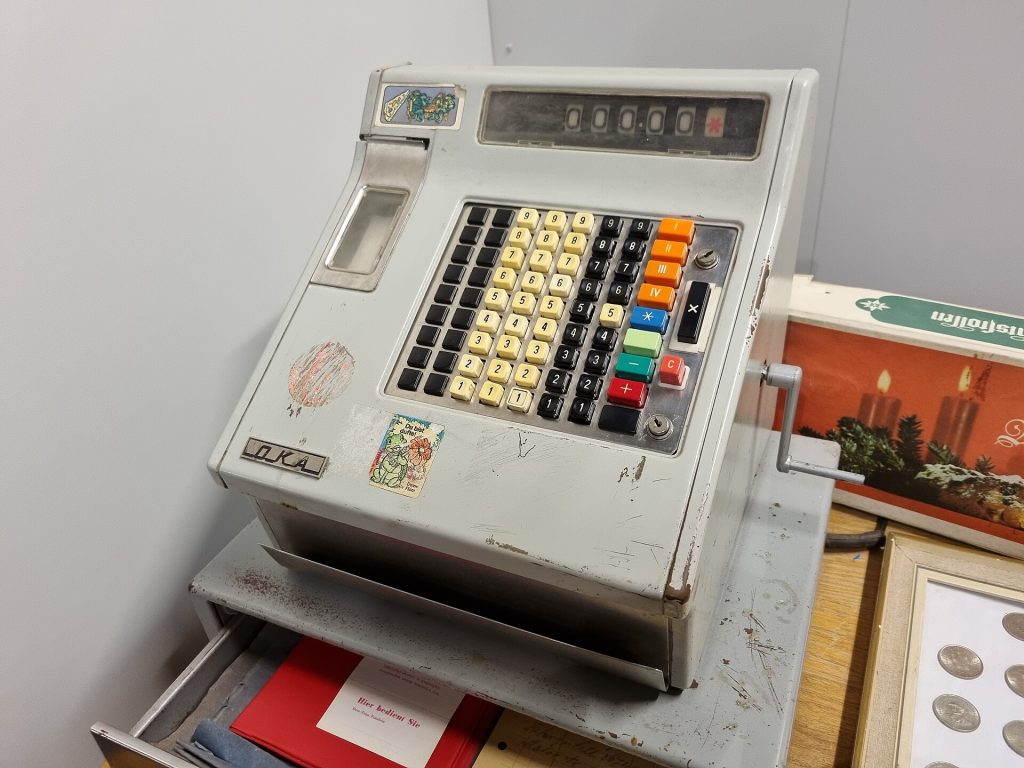
Featured photo: 2022-12-19 Cash register Oka by Maksym Kozlenko, BY-SA 4.0.