Restaurant inventory management is the system for buying, storing, counting and tracking everything you use to make what you sell. Done well, it tells you each week what your food and beverage actually cost, where waste or theft is happening and exactly how much to order. Done badly, it is a monthly scramble that nobody trusts.
This guide sets out a weekly system that a small team can keep up, plus a checklist for the year-end count.
Key facts
- Inventory management covers what you buy, how you store it, how you count it and how you use the numbers.
- Count weekly, on the same day and at the same time, so cost of goods sold is comparable week to week.
- Cost of goods sold = beginning inventory + purchases − ending inventory.
- Par levels tell you how much to order; FIFO rotation makes sure older stock is used first.
- Year end matters for tax: the IRS covers inventory valuation methods in Publication 538.
Why does inventory matter so much?
Food and beverage are among your largest costs and the ones that change fastest. Without an accurate count you cannot calculate cost of goods sold, which means you cannot calculate food cost percentage, prime cost or profit margin with any confidence. Purchases alone do not work: they swing with delivery timing and say nothing about what sat on the shelf.
Step 1: Organize storage first
A count is only as fast as your storage is tidy.
- Give every item a fixed home in dry storage, the walk-in and the freezer.
- Label shelves with item names.
- Date-label every delivery on arrival and rotate stock first in, first out (FIFO).
- Keep cleaning chemicals separate from food, always below and away from it.
Step 2: Build count sheets in shelf order
List items in the order you walk past them, not alphabetically. A counter should be able to start at the walk-in door and work clockwise without jumping around the sheet.
| Column | What it holds |
|---|---|
| Location | Walk-in shelf 2, dry store bay B |
| Item | Name as it appears on the invoice |
| Count unit | Case, each, pound, bottle; pick one per item and stick to it |
| Unit cost | Latest invoice price for that unit |
| Count | What is on the shelf, including partial units |
| Value | Count × unit cost |
| Par | Target on-hand after delivery |
Step 3: Set a weekly count routine
- Same day, same time. Before the first delivery of the week, or after close on the last service day. Consistency matters more than the day you pick.
- Two people. One counts, one writes. Rotate the pair so no one counts their own area alone.
- Partial units. Estimate in tenths: a half-full case of 6 bottles is 0.5 cases, or 3 bottles. Decide which and write it on the sheet.
- Prepped items. Count prepped product in the walk-in at its ingredient cost, or decide it is expensed and leave it out. Either works if you are consistent.
- No receiving during the count. Deliveries arriving mid-count get double-counted or missed.
Step 4: Turn the count into numbers you can use
Cost of goods sold = beginning inventory + purchases − ending inventory.
Divide COGS by sales for the same week to get your food cost percentage. Then compare that actual figure with your theoretical food cost: what your recipes say you should have used, based on what you sold. Our guide on how to calculate food cost per plate shows how to build the theoretical side.
A gap of a point or two is normal. A bigger gap means something is going wrong: over-portioning, waste, unrecorded comps, receiving errors or theft. Look at your highest-cost items first.
Step 5: Use par levels to order
A par level is how much of an item you want on hand right after a delivery. Set it from usage between deliveries plus a small buffer for busy days. The order is simply par minus what is on the shelf.
- Review pars monthly and before seasonal menu changes.
- Lower pars for items that keep showing up in the waste log.
- Raise them ahead of known busy periods, then bring them back down.
Step 6: Control receiving
Inventory errors often start at the back door.
- Check every delivery against the purchase order and invoice: item, quantity, weight and price.
- Check temperatures on refrigerated and frozen product before you sign.
- Note shortages and credits on the invoice and follow them up.
- Put product away immediately, using FIFO.
The year-end count
Your closing inventory on the last day of your tax year feeds directly into reported cost of goods sold and therefore taxable income. The IRS Publication 538 explains inventory valuation methods such as cost and lower of cost or market, and how to identify cost using methods like FIFO. Agree the method with your accountant, then:
- Schedule the count for the last day of the year, after close.
- Use your normal sheets and count every location, including the bar, freezers and off-site storage.
- Use current unit costs from the latest invoices.
- Have a manager review the totals against the previous few weekly counts for anything out of line.
- Keep the signed sheets with your year-end records.
When to move to software
A spreadsheet is enough for one location with a stable menu. Software starts paying for itself when you have many items, several sites, frequent price changes or want counts on a tablet linked to invoices and POS sales. Whatever you use, the routine above stays the same.
Count the same way, on the same day, every week. Accuracy comes from habit.
More guides are in our restaurant operations section.
Frequently asked questions
How often should a restaurant take inventory?
Weekly for most items, on the same day and time each week. Some operators count high-cost items like proteins and liquor daily or at every shift change.
What is a par level?
The amount of an item you want on hand after a delivery to get through to the next one, plus a small buffer. You order the difference between the par and what you have.
What does FIFO mean in a restaurant?
First in, first out. Older stock goes in front and is used first, so product does not expire at the back of the shelf. Date-label everything on arrival.
How do I calculate cost of goods sold from inventory?
Take the value of your opening count, add everything you received during the period at invoice cost, and subtract the value of your closing count.
Do I need inventory software?
Not to start. A well-organized spreadsheet works for a single location. Software helps when you have many items, multiple sites or want counts linked to your POS and invoices.
The short version
Good inventory management is a routine, not a project: count sheets in shelf order, the same count day every week, two people per count, par levels to drive orders and FIFO rotation on every shelf. Turn each count into cost of goods sold, compare it with what your sales say you should have used, and investigate the gap while it is still small.
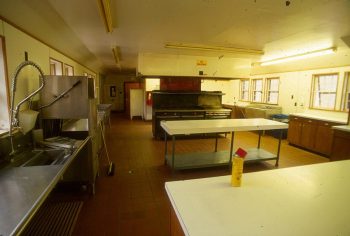
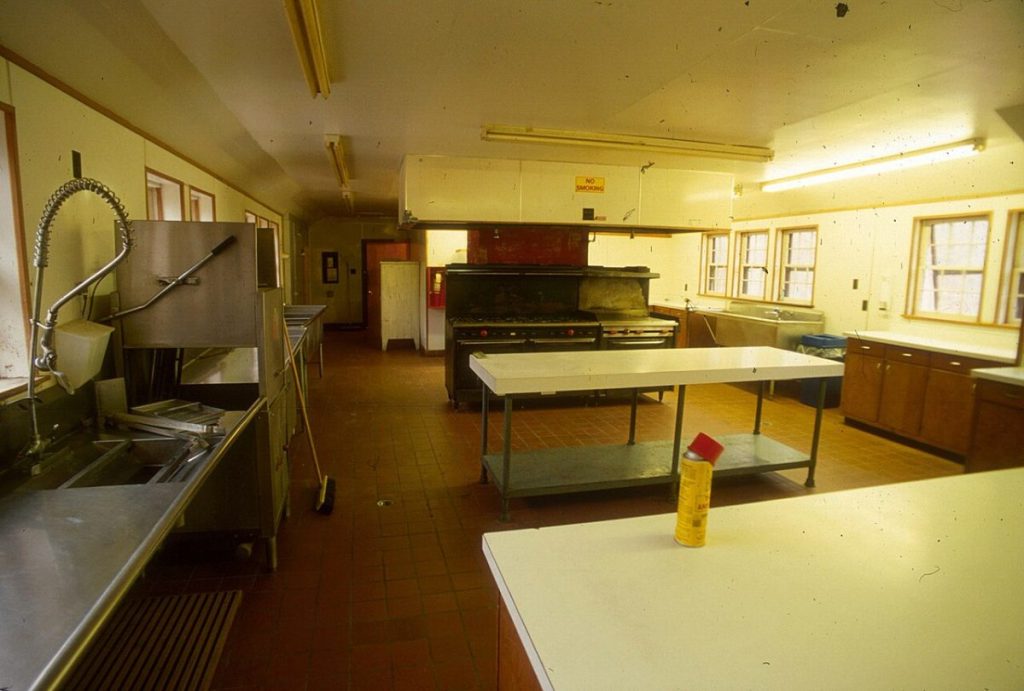
Featured photo: Commercial kitchen with walk-in refrigerator and storage by NPS Photo, public domain.