Good restaurant cybersecurity is less about expensive tools and more about a few habits: separate networks, prompt updates, multi-factor sign-in, tested backups and staff who pause before acting on an urgent email or call. Small restaurants are targets precisely because many of them skip those basics.
Below are six common myths that leave restaurants exposed, each with what the guidance from the FTC, CISA and the PCI Security Standards Council actually says, and what to do about it this week.
Key takeaways
- Small businesses are targets. Both CISA and the PCI Security Standards Council say so plainly.
- PCI compliance covers card data, not your whole business, and it has to be maintained every day.
- Keep guest Wi-Fi on a separate network from your payment system.
- Treat any urgent request for gift cards, payment changes or passwords as suspect until you verify it by a known phone number.
- Turn on automatic updates and multi-factor authentication, and keep a backup that is disconnected from your network.
Myth 1: We are too small to be a target
The myth: criminals go after big chains. A single-site restaurant has nothing worth stealing.
The fact: the PCI Security Standards Council’s guide for small merchants opens with a blunt line: as a small business, you are a prime target for data thieves. CISA’s cyber guidance for small businesses says cyber incidents have surged among small businesses that often do not have the resources to defend against attacks such as ransomware.
A restaurant holds card payments, staff bank details for payroll, guest emails and phone numbers, supplier accounts and online ordering logins. Much of it sits on shared computers in an office that doubles as a storeroom. Attackers use automated tools that scan for weak spots everywhere, so size offers no cover.
Myth 2: PCI compliant means secure
The myth: we filled in the PCI questionnaire, so we are secure.
The fact: the Payment Card Industry Data Security Standard is about protecting cardholder data. It does not cover your reservation system, email, payroll or social media accounts. And compliance is not a one-off form. The PCI SSC’s merchant page urges merchants to make payment security a priority every day, and notes that whether a small merchant has to validate compliance is set by the payment brands, so questions go to your acquirer, the bank that processes your cards.
- Ask your processor what validation they require from you each year.
- Ask your POS provider how card data is protected and which parts of security are your responsibility.
- Treat the questionnaire as a floor, then cover the rest of the business with the basics in this article.
A compliance form describes one day. Security is what you do on all the others.
Myth 3: One Wi-Fi network is fine for everyone
The myth: guests, staff and the card machines can all share one Wi-Fi network as long as it has a password.
The fact: the PCI small merchant guide says that if you offer free Wi-Fi for customers, your payment system should be on another network. A guest on the same network as your POS has a path to it.
- Run a guest network that is separate from the one used by the POS, office computers and cameras.
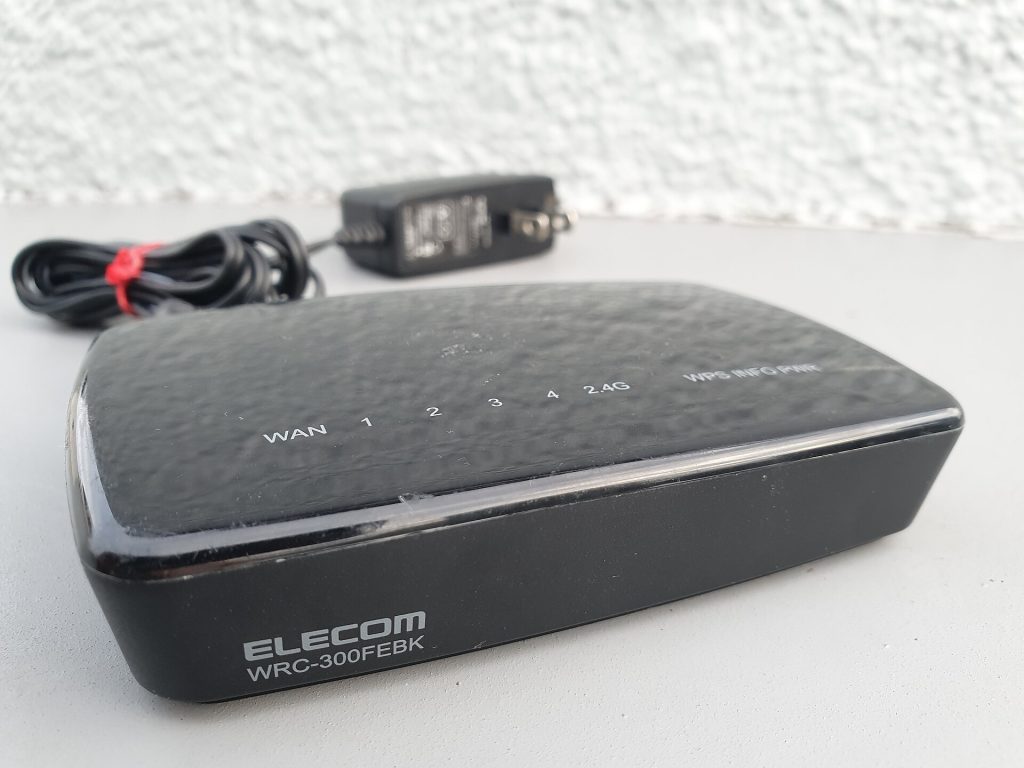
- The FTC’s cybersecurity basics advise changing the router’s default name and password, turning off remote management and using WPA2 or WPA3 encryption.
- Change the guest password on a schedule, and change staff network passwords when people leave.
Myth 4: Phishing only fools careless people
The myth: only careless staff click on phishing emails, and ours are sensible.
The fact: phishing works because it looks routine and urgent. In a restaurant, it arrives as a fake invoice from a known supplier, a message claiming your delivery platform account is locked, or a call from someone posing as the owner or head office asking a manager to buy gift cards or change a supplier’s bank details before the end of the shift. CISA lists avoiding suspicious links among the basics every employee should understand.
Rules that stop most of it
- No one buys gift cards, sends payment or changes bank details because of an email, text or call alone. Verify by phoning a number you already have on file.
- Log in to supplier and delivery accounts by typing the address or using a saved bookmark, never from a link in a message.
- Managers can say no to anyone, including someone claiming to be the owner, until the request is confirmed.
- Report suspicious messages to one named person, and thank staff who do.
Multi-factor authentication is the backstop when a password does get stolen. CISA says users who enable it are much less likely to get hacked, because a stolen password alone is not enough to get in. Turn it on for email, banking, payroll, the POS back office and delivery platforms first.
Myth 5: The POS updates itself, so we are covered
The myth: the POS company handles updates, so nothing else needs attention.
The fact: the terminals may update automatically, but the office PC, the router, the tablets on the pass and the manager’s phone all run software too. CISA notes that many attacks succeed because victims were running vulnerable software when a newer, safer version was available. The FTC advises setting updates to happen automatically for apps, browsers and operating systems.
- Turn on automatic updates on every device that allows it.
- Replace devices that no longer receive security updates.
- Ask your POS and IT vendors how remote access works. The PCI guide warns that remote access tools are often always on by default and suggests asking vendors how to disable it when it is not needed.
- Check card terminals for tampering. The PCI guide lists broken seals over access panels or screws and odd or different cabling among the obvious signs.

Myth 6: Our cloud POS means we do not need backups
The myth: everything lives in the cloud now, so ransomware cannot hurt us.
The fact: cloud POS helps, but restaurants still keep recipes, costings, schedules, contracts and accounts on local computers and shared drives, and those can be encrypted by ransomware or wiped by a failed drive. CISA says many organisations hit by ransomware had no backups, or had incomplete or damaged ones. The FTC recommends backing up important files offline, on an external hard drive, or in the cloud.
- Back up the office computer automatically, with at least one copy that is not permanently connected to your network.
- Export key data from cloud systems, such as guest lists and sales reports, on a schedule.
- Test a restore each quarter by recovering a real file.
- Write a one-page plan: who to call, how to take payments if the POS is down, and how to reach staff. CISA recommends having a written incident response plan before anything happens.
All six myths at a glance
| Myth | Fact | Fix this week |
|---|---|---|
| Too small to target | Small merchants are prime targets | List every system that holds card, staff or guest data |
| PCI compliant means secure | PCI covers card data only and needs daily attention | Ask your processor and POS provider what you are responsible for |
| One Wi-Fi for everyone | Guest Wi-Fi should be separate from payments | Set up a separate guest network |
| Phishing only fools the careless | It targets busy managers with urgent requests | Adopt a call-back rule for payments and gift cards |
| The POS updates itself | Every other device needs updates too | Turn on automatic updates everywhere |
| Cloud means no backups needed | Local files and exports still need backing up | Set up an offline backup and test a restore |
FAQ
What should I do first if I think we have been hacked?
Disconnect affected devices from the network, call your POS provider and card processor, and change passwords from a clean device. CISA invites organisations to report incidents so others can be protected.
Do we need an IT company?
Not necessarily. The basics here can be done by a capable manager. For larger groups, an IT provider can manage updates and backups across sites.
Is cyber insurance worth having?
It can help with recovery costs. Insurers increasingly ask about multi-factor authentication and backups, so the steps above help with cover too.
How often should staff get security training?
Cover it at onboarding and refresh it a few times a year, ideally with real examples of messages your team has received. Fold it into your staff training plan so it is not a one-off.
Start with these three fixes
Pick three fixes and finish them before next weekend: turn on multi-factor authentication for email and banking, split guest Wi-Fi from your payment network, and set up an offline backup of the office computer. Then add a call-back rule for any payment or gift card request to the manager’s handbook. For more on choosing systems, see choosing a restaurant POS system and our restaurant tech and POS guides.
Featured photo: Open lock on laptop (49919519837) by Yuri Samoilov, BY 2.0.